
Bible Web App Installation Instructions for Mac
✅ How to install Bible Web App i.e. PWA (Progressive Web Apps) on your Mac OS using Google Chrome browser?
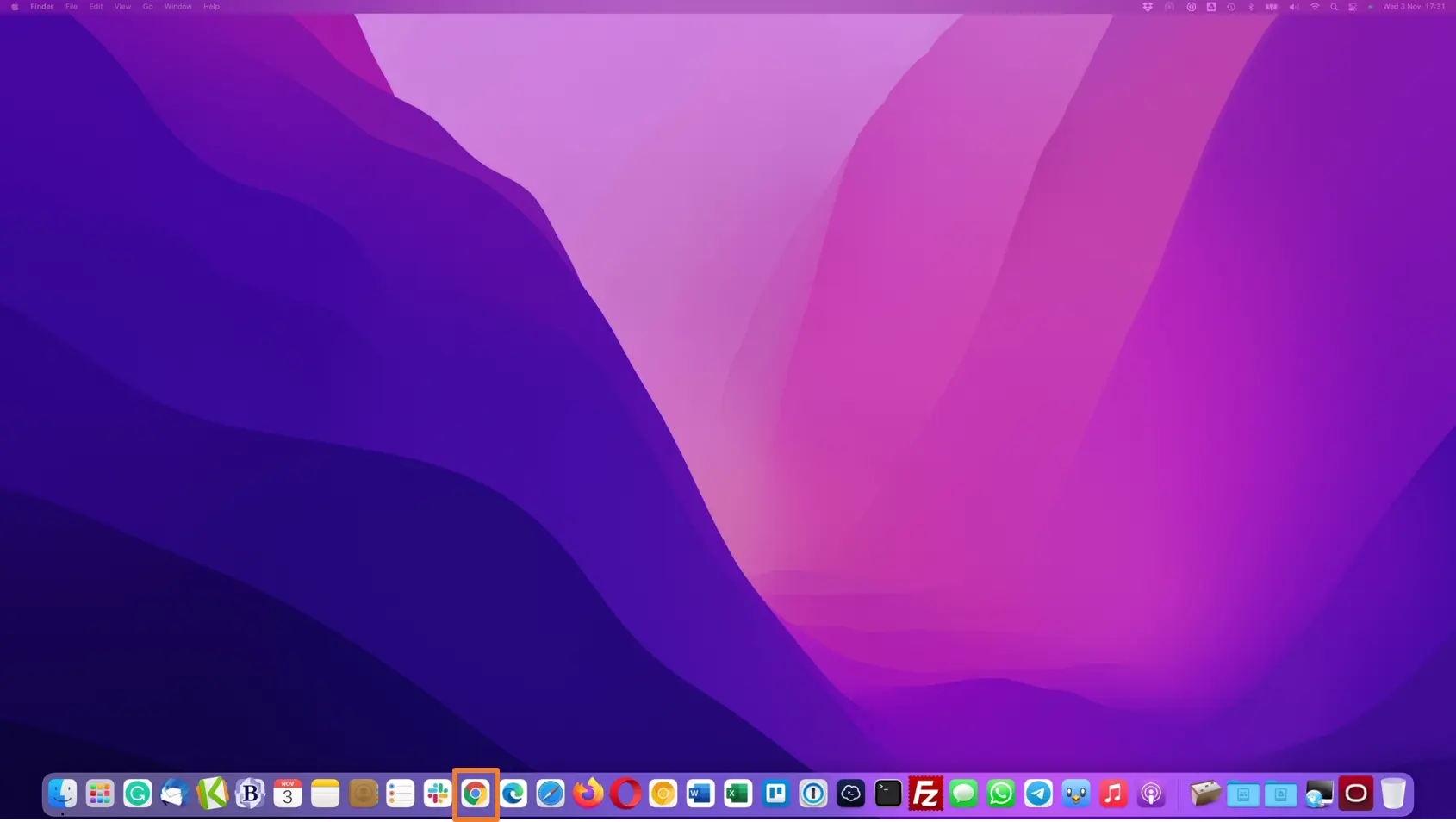
👉 Since, Safari browser does not support PWA installation, open Chrome browser on your Mac PC.
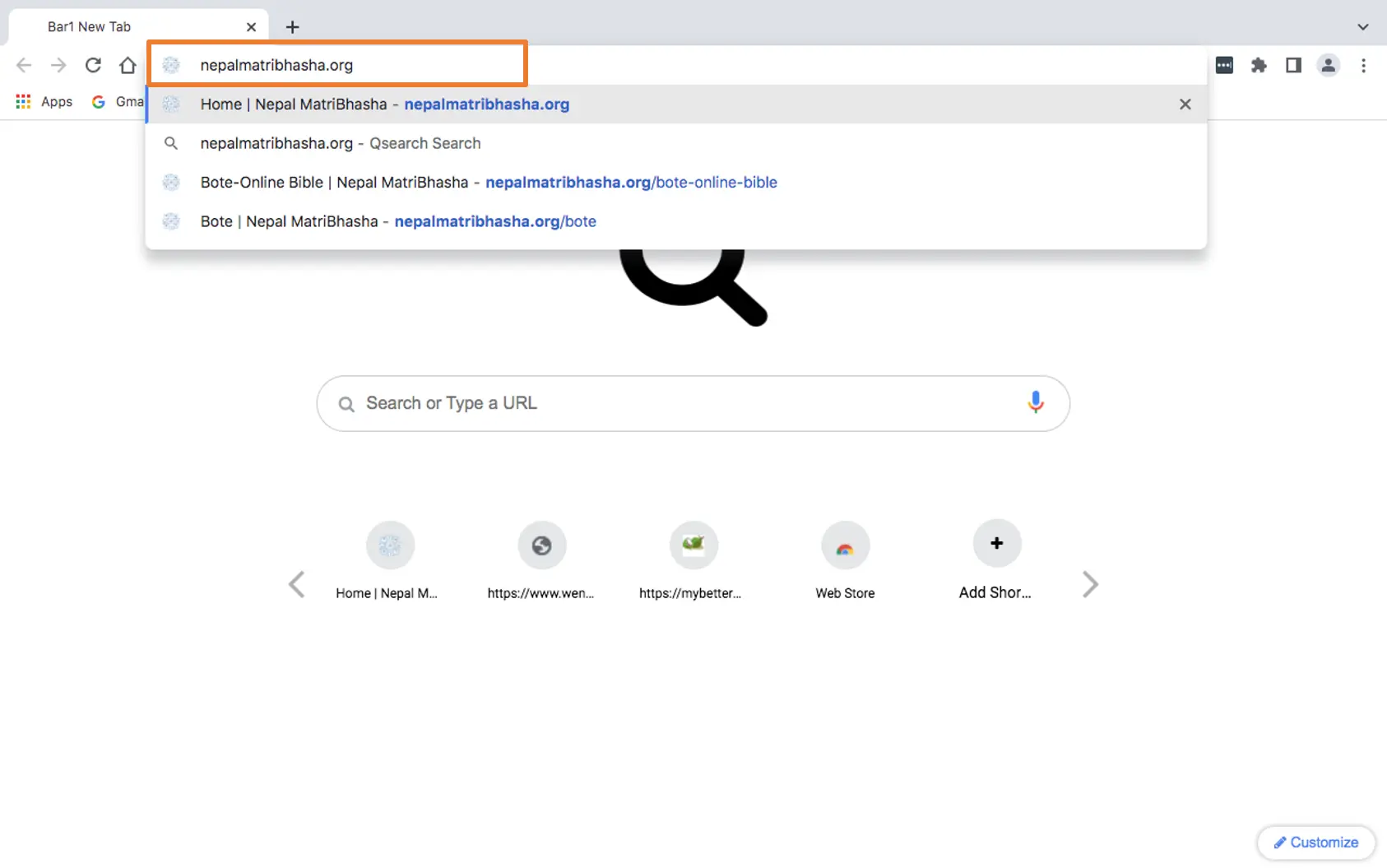
👉 Go to nepalmatribhasha.org
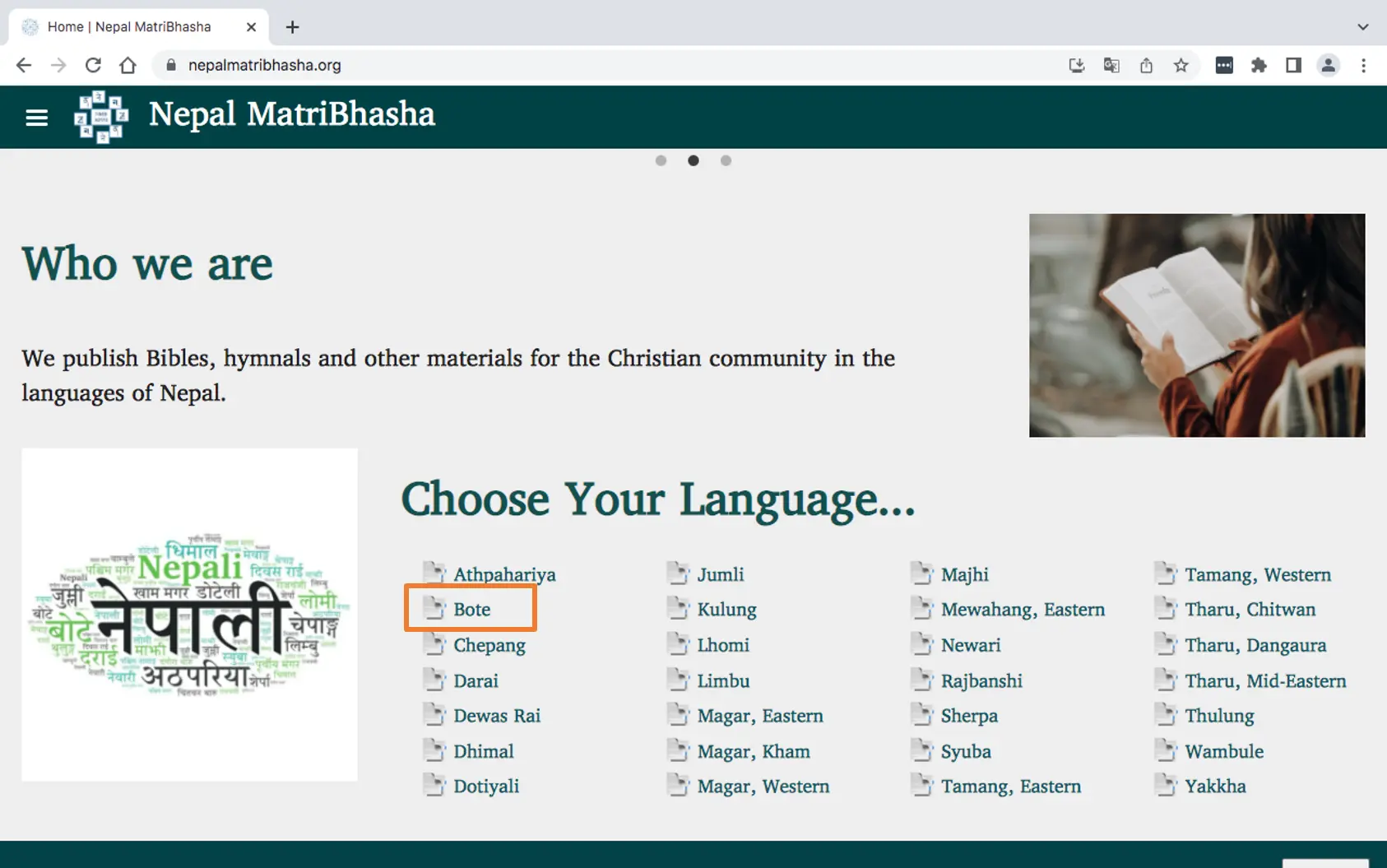
👉 Go to "Choose Your Language" section of the page and select your language. You'll be redirected to your language page.
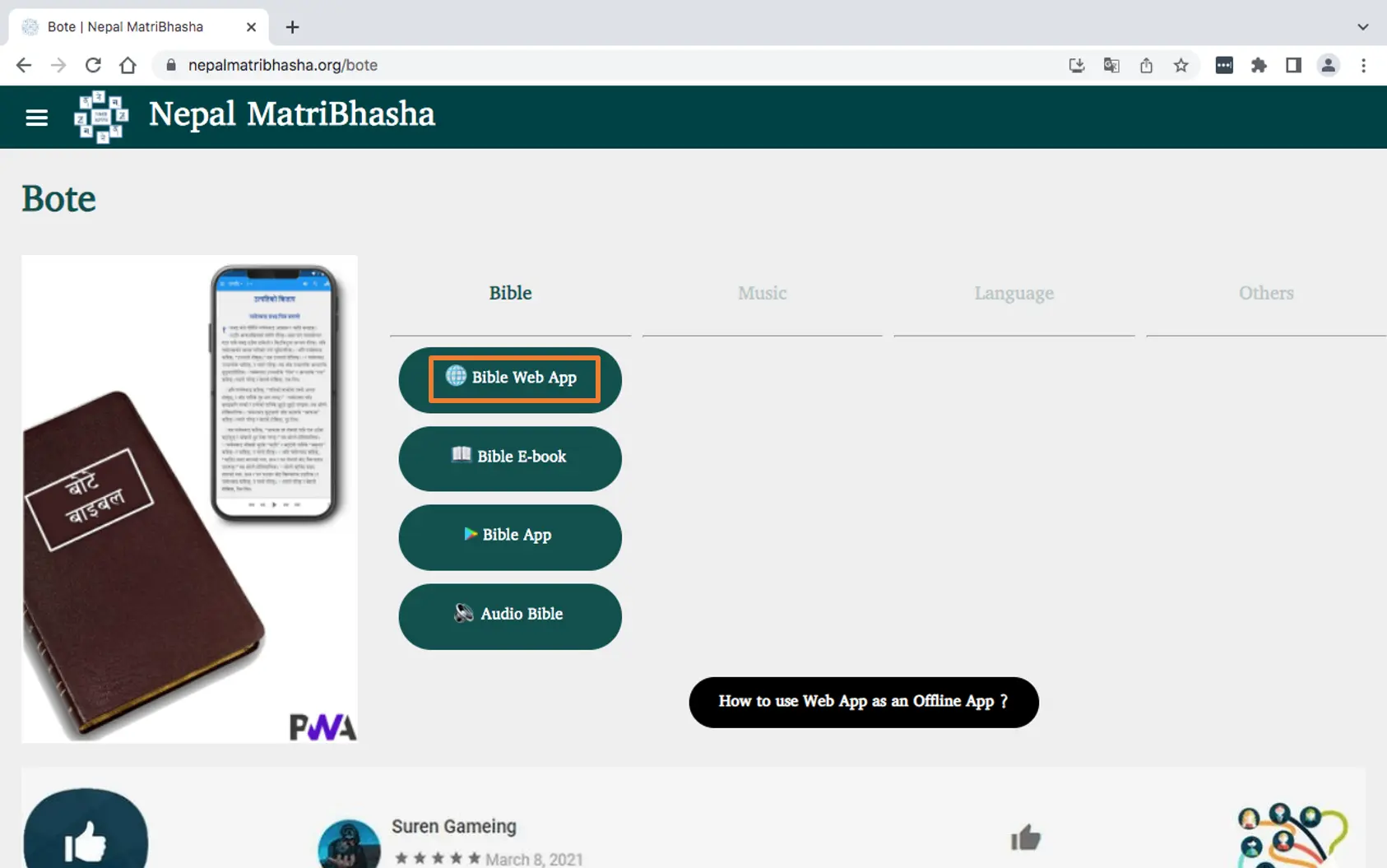
👉 Click on Bible Web App button. You'll be redirected to online Bible web page.
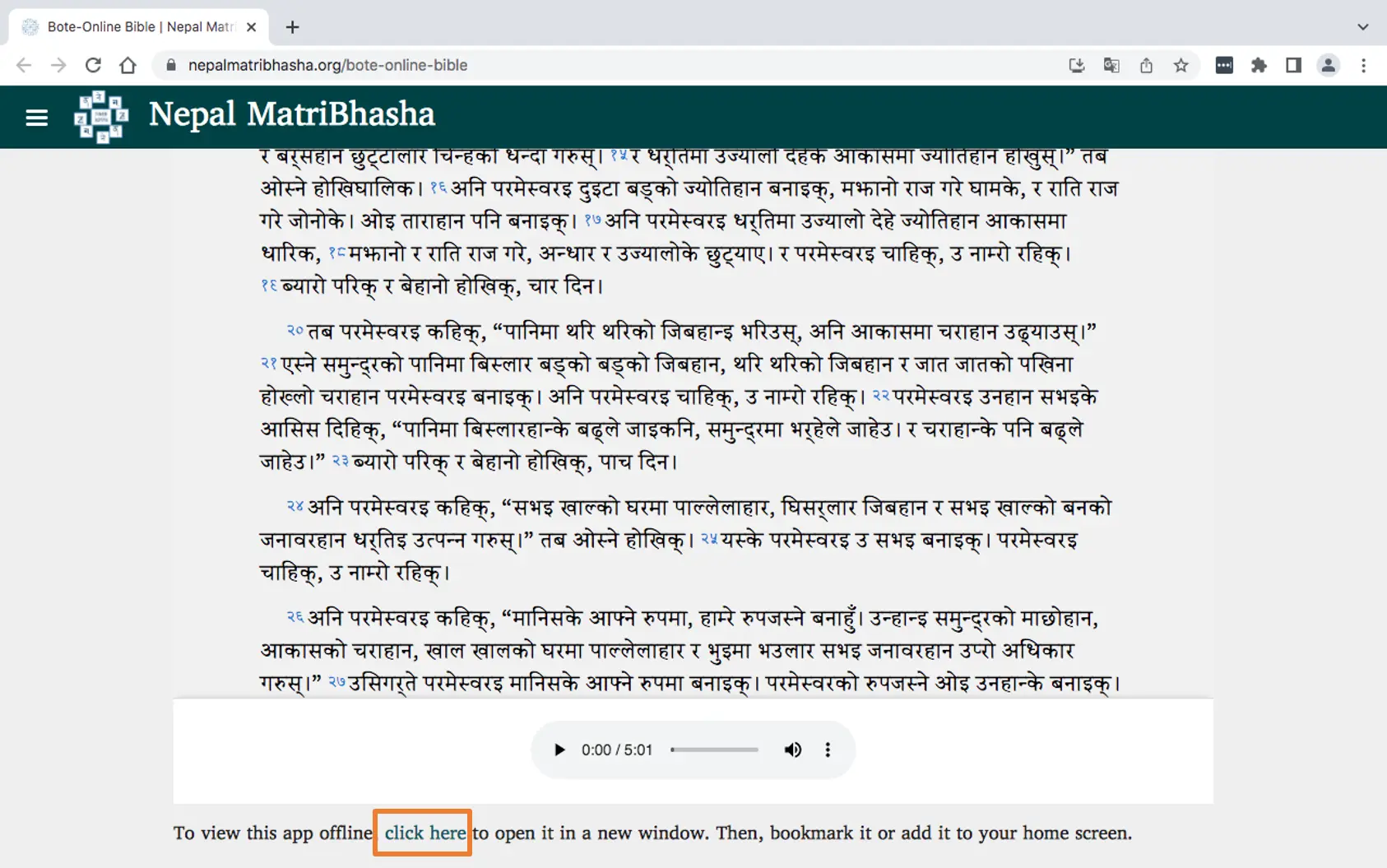
👉 Scroll down to "To view this app offline, click here". Click on the link and you'll be redirected to Bible Web App.
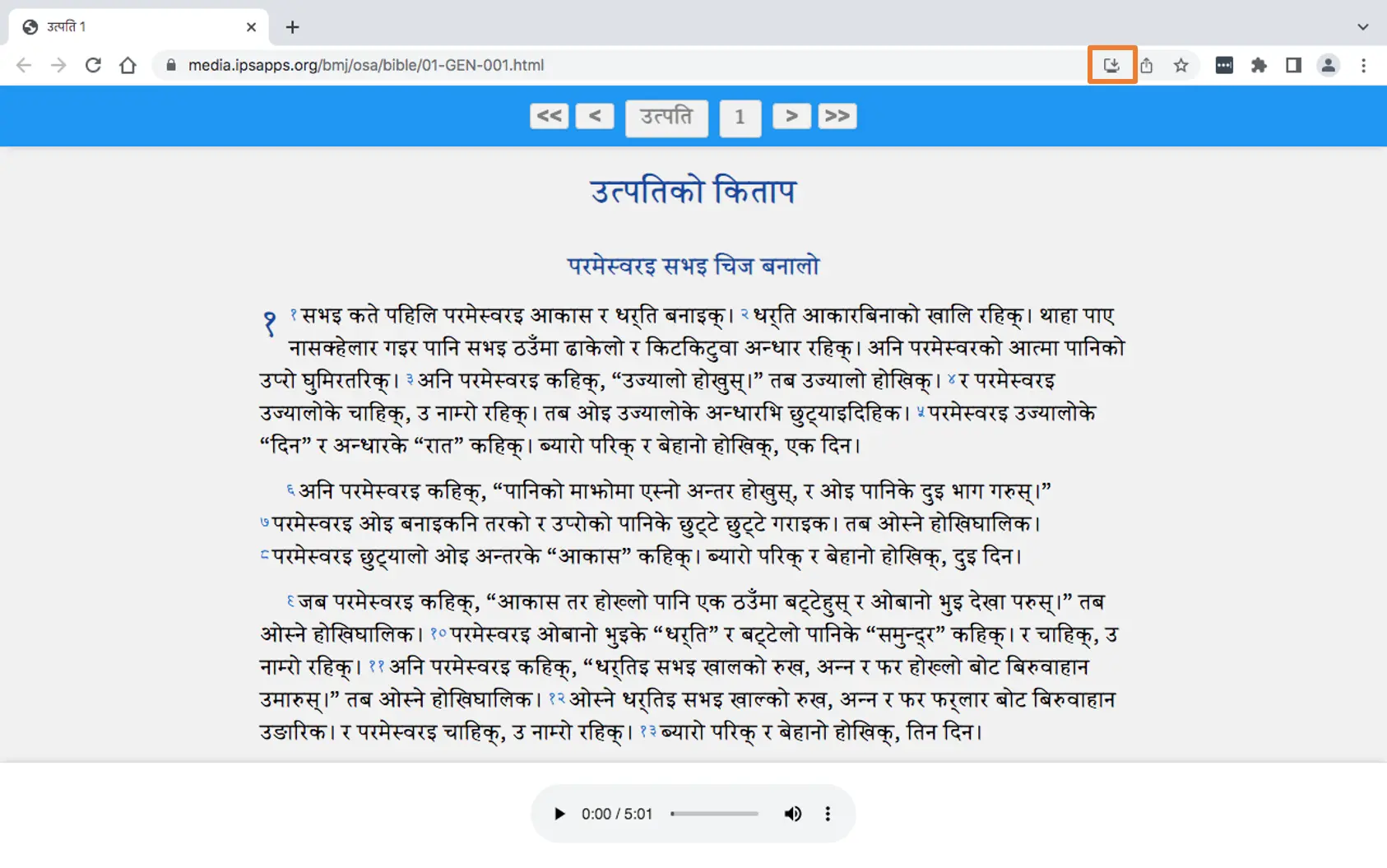
👉 Click on the install icon in the address bar as shown in the picture.
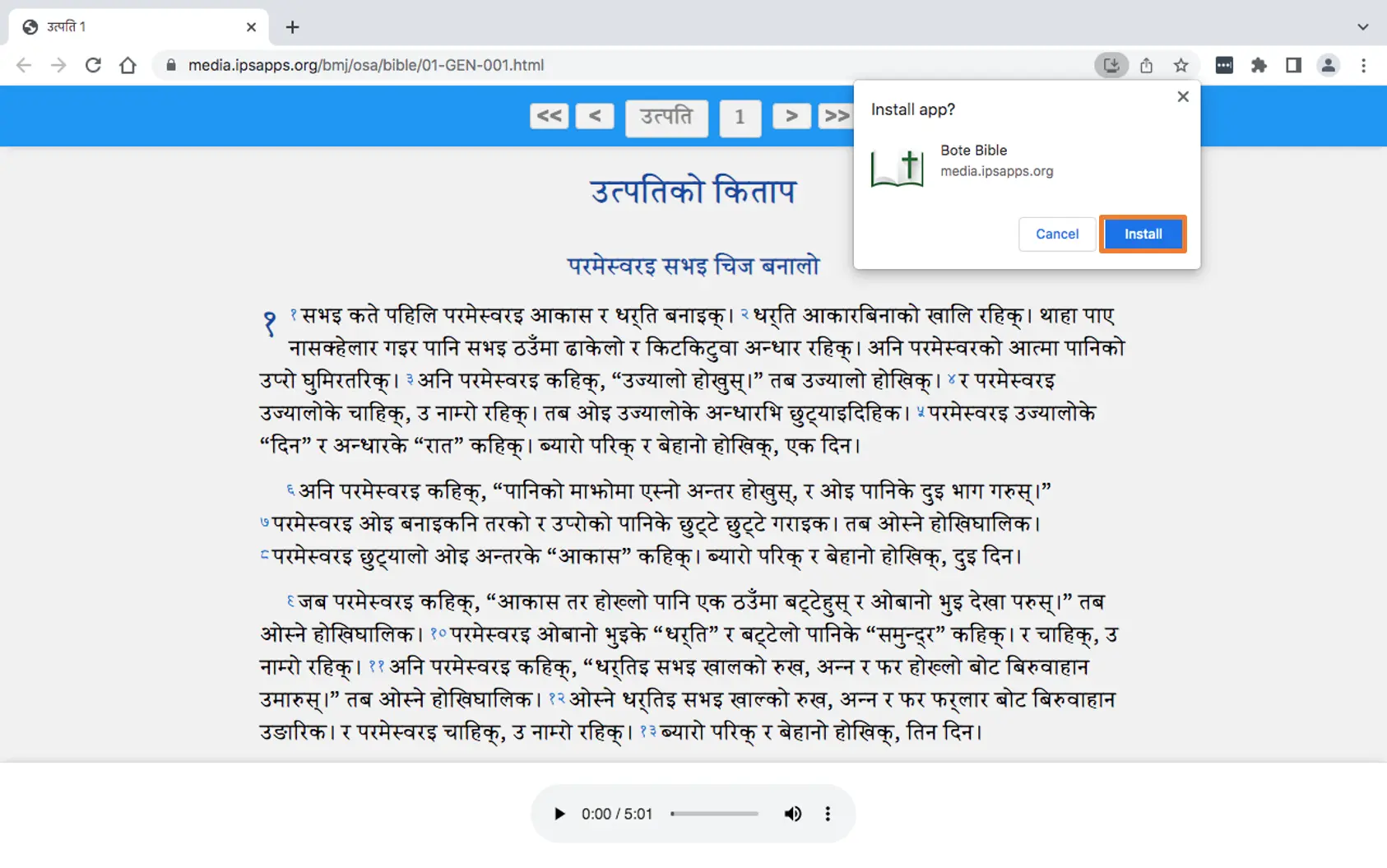
👉 Click on "Install" button.
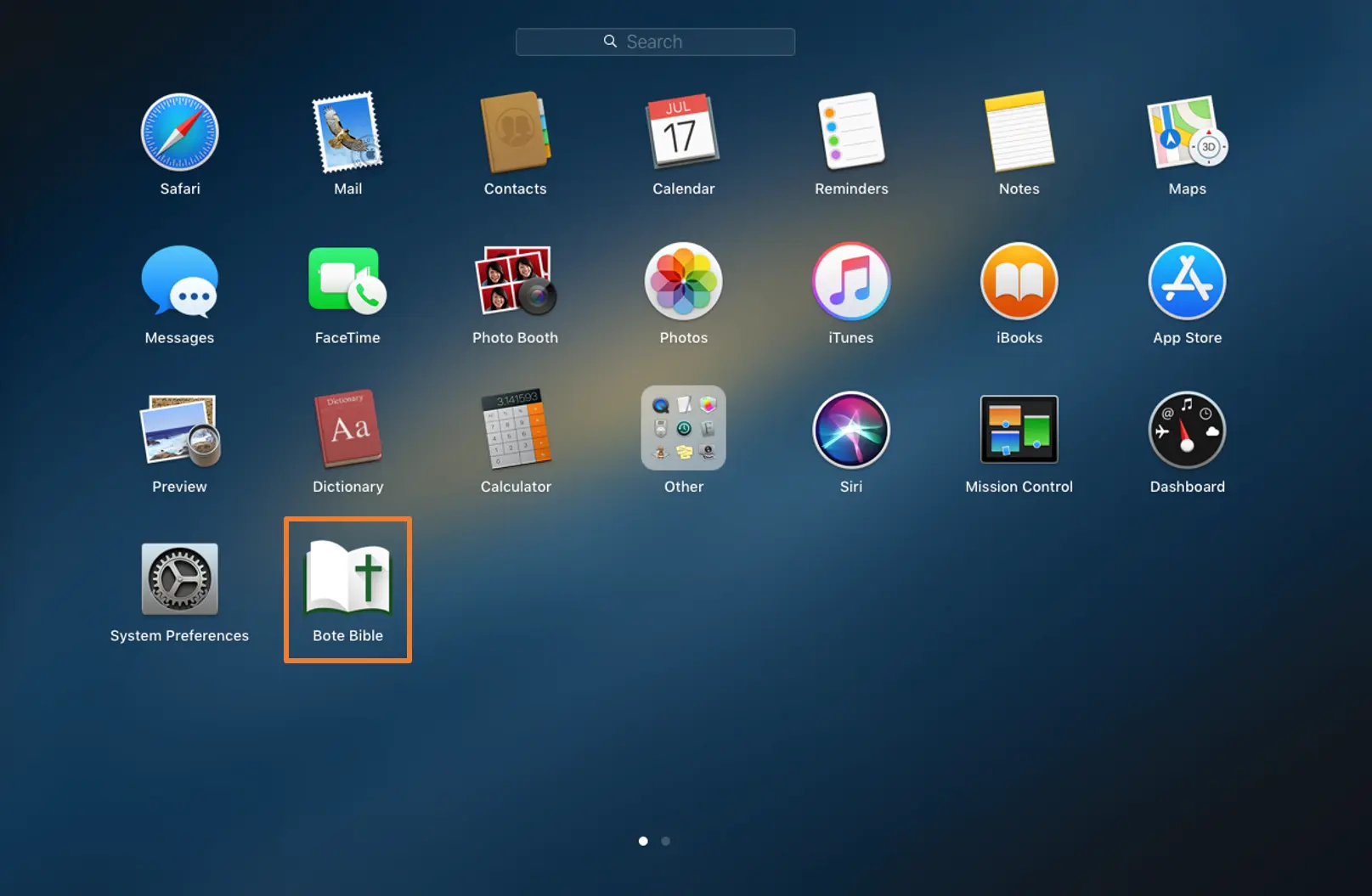
👉 Now, you have your offline Bible App installed on your Application Gallery Screen.
👉 Enjoy reading your Bible.
